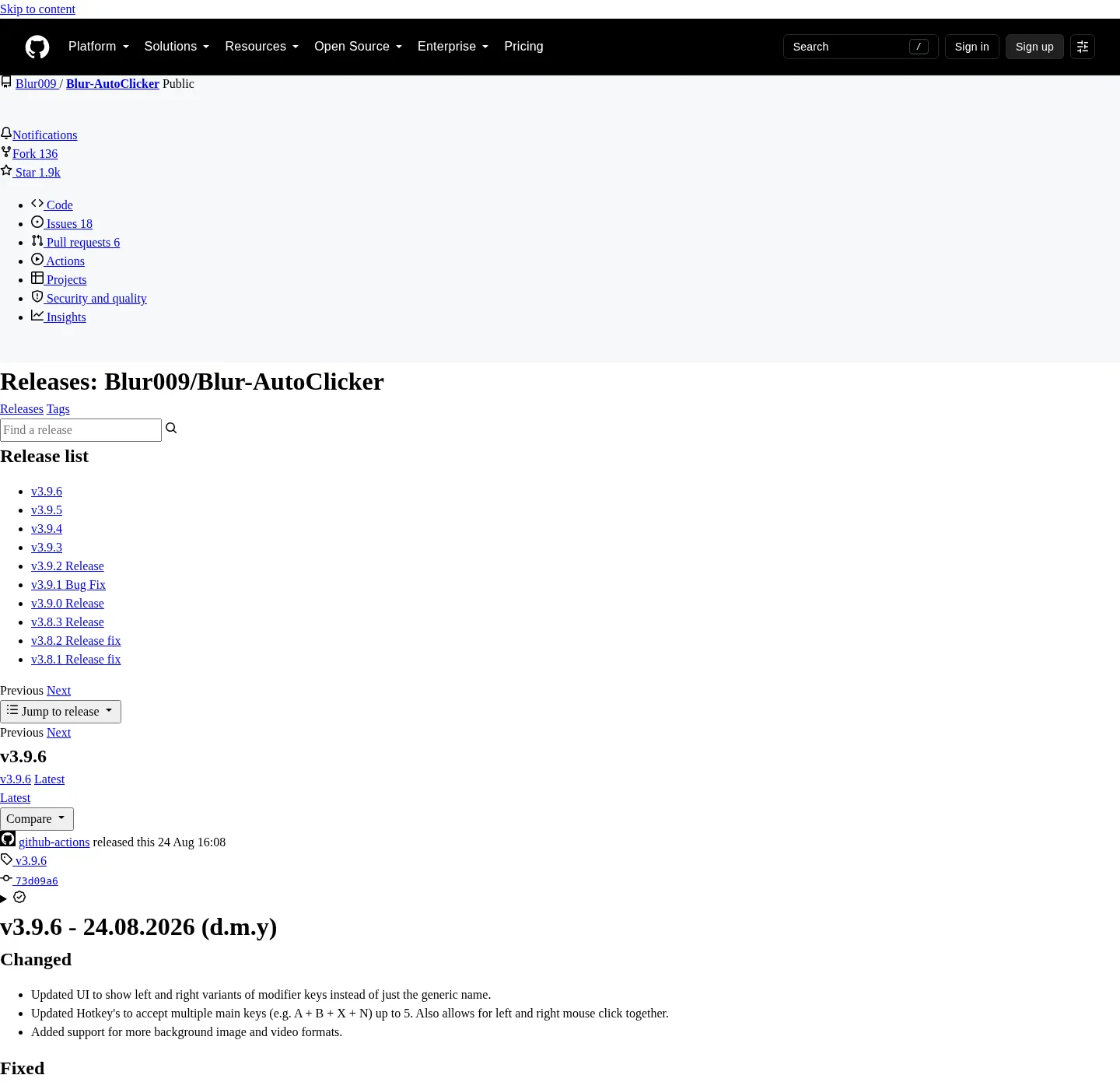
Blur Auto Clicker is the project, and the hazard is a locker site that wraps the name then serves a different file. Which GitHub name to click is spelled out on the releases notes; Windows install detail is on the Windows notes. Repo facts are on the GitHub notes.
Official download channels
Three hosts count as official for the path these notes map; GitHub Releases holds the x64 setup and the portable zip. Winget holds the same Windows product under publisher id Blur009.BlurAutoClicker, and the project README and the trust doc explain SmartScreen and unsigned reputation. Anything else has to earn trust by redirecting to one of those, not by inventing a new EXE.
| Channel | Expected host | What you get |
|---|---|---|
| GitHub Releases | github.com/Blur009/Blur-AutoClicker/releases | x64 setup exe and portable zip on the current tag. Not .sig or latest.json. |
| winget | Microsoft community repo, id Blur009.BlurAutoClicker | The same Windows desktop package. Command: winget install -e --id Blur009.BlurAutoClicker --source winget --silent. |
| Project docs | README and docs/windows-release-trust.md on that repo | Install command, paths, SmartScreen notes. Not a binary host. |
The vendor homepage at autoclicker.blur009.com describes features and FAQ, and files still come from GitHub, not from a third-party locker. Chris Titus Tech winutil can list the same winget id; that list is a pointer, not a second file host.
winget install -e --id Blur009.BlurAutoClicker --source winget --silentRed flags on a download result
A result that asks for a credit card before the setup is not an official channel. A result that bundles a toolbar, a PDF driver, or a second installer is not GitHub Releases. A filename that adds "Setup-Free" or "Full-Crack" next to the project name is not the pattern these notes match. Softonic and CNET wrap installers and sometimes add extra offers, and leave that result and open GitHub or run winget.
Fan mirrors for other clickers are a separate mess, and for GS, the catalog listing these notes use is SourceForge, compared on the GS comparison. For this project, stay on Blur009/Blur-AutoClicker. GitHub issue 285 is an unofficial macOS port; the author says it is not endorsed.
How to verify the Windows file
Confirm the host is github.com/Blur009/Blur-AutoClicker/releases, or that winget is talking to the Microsoft community repo with that exact package id. Match BlurAutoClicker_*_x64-setup.exe for setup, or BlurAutoClicker-v*-portable.zip for portable, and the current release is the newest non-draft tag, injected on the stamp, not a number copied from a blog. Ignore *.sig and latest.json, and those are Tauri updater metadata, not a program you double-click.
The installer is not Authenticode-signed, so SmartScreen may show Windows protected your PC, and the project trust doc at windows-release-trust.md treats that as unsigned reputation, not a virus verdict. A wrapper that promises a signed exe on some other domain is still a wrapper. After install, the documented path is %LocalAppData%\BlurAutoClicker\BlurAutoClicker.exe, and machine setup is on this computer.
Winget versus a browser download
Winget is the quieter path when App Installer is already on the PC, because Windows Package Manager fetches the same NSIS setup the GitHub tag publishes. A browser download is the right path when you want to see the asset list, pick the portable zip, or keep a copy of the exe next to a checksum you recorded. Do not run both on the same afternoon unless you meant to replace one with the other. Two copies bind the same hotkey and then nobody knows which window is live.
If winget is missing, install App Installer from Microsoft, then paste the README command again. Silent install for these notes is that winget line with --silent, which is what the README quotes. Third-party sites that document an NSIS /S switch are not the project README, so these notes do not copy that switch.
After the file is on disk
Launch once, bind a hotkey, and send a slow left click at a throwaway window. If no window appears, install WebView2 and launch again, and if you unpacked the zip, add portable.txt with the exact content BlurAutoClicker Portable Mode when you want portable data next to the exe. Extra unsigned copies on Desktop or Downloads belong in the recycle bin after the new install works; the move notes are on extra executables.
Home keeps the same command at the auto clicker home, and guides, including the safety how-to, sit on the guides hub and is an auto clicker safe.
Frequently asked questions
Is it safe to download an auto clicker from GitHub?
Yes, when the file comes from github.com/Blur009/Blur-AutoClicker/releases and the name matches the documented pattern. Winget id Blur009.BlurAutoClicker is the same Windows product; Skip Softonic and CNET.
What are the official download channels?
GitHub Releases, winget with id Blur009.BlurAutoClicker, and the project README plus trust doc, and the vendor homepage explains features. Files still stay on GitHub.
Does a SmartScreen warning mean the file is a virus?
No, and the installer is not Authenticode-signed, so SmartScreen may warn, and the project trust doc calls that unsigned reputation. Fetch still has to come from GitHub or winget.
Which files on the GitHub tag should I ignore?
Ignore .sig and latest.json; Take the x64 setup or the portable zip, and filename patterns and the current tag are on the releases notes.