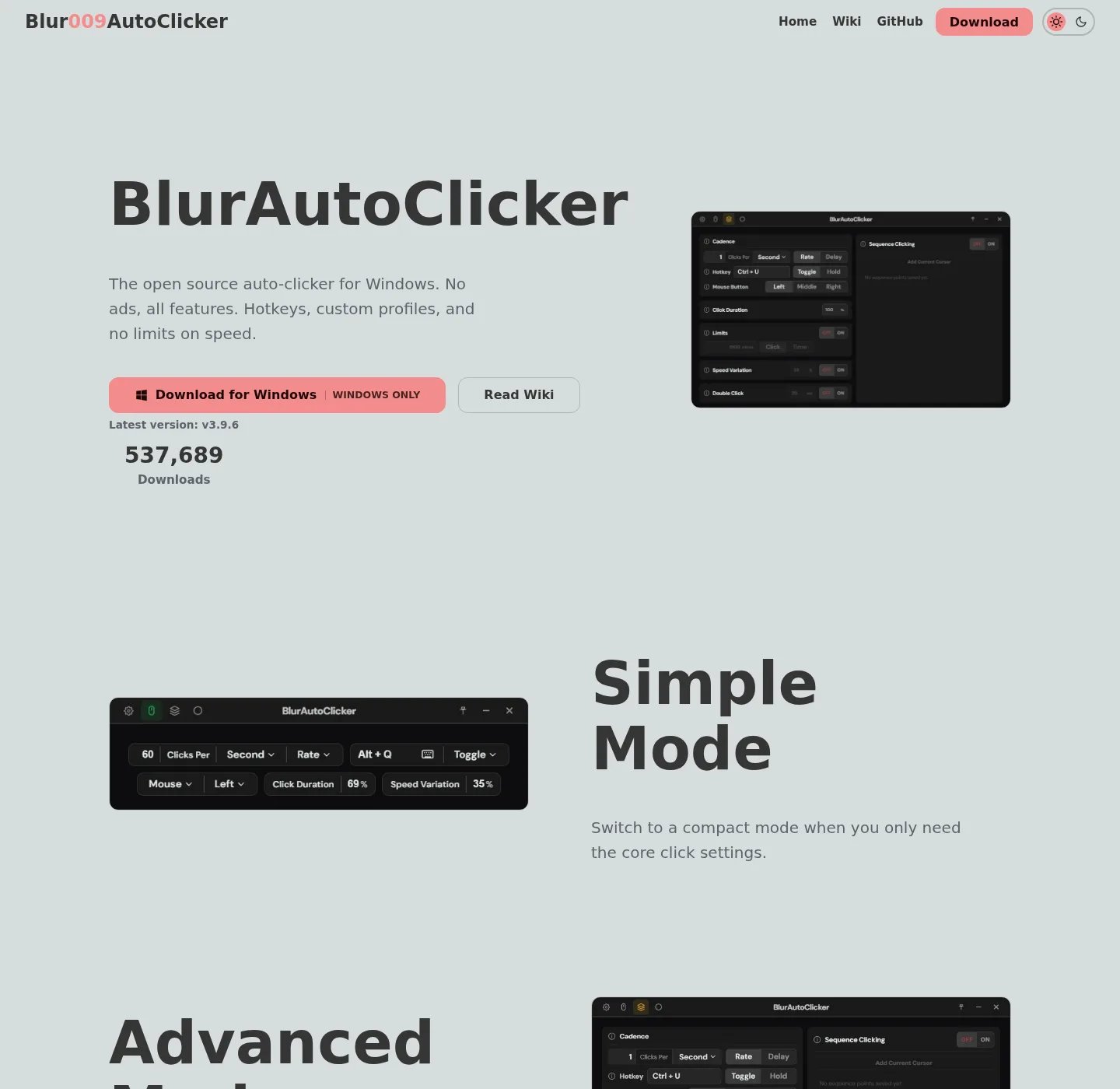
This policy is the publishing rule for Auto Clicker notes. Sentences never type a frozen dotted Blur Auto Clicker version. The current release tag on the stamp is injected from GitHub when the site builds. Publisher details sit on about.
| Check | What verified means on 2026-09-02 |
|---|---|
| Windows winget | Command winget install -e --id Blur009.BlurAutoClicker --source winget --silent checked against the official README and microsoft/winget-pkgs manifests/b/Blur009/BlurAutoClicker |
| Package id | Blur009.BlurAutoClicker, InstallerType nullsoft, Scope user, silent and silentWithProgress |
| Install location | Default %LocalAppData%\BlurAutoClicker from winget-pkgs InstallationMetadata and the README exe path |
| GitHub assets | x64 setup matching BlurAutoClicker_*_x64-setup.exe; portable matching BlurAutoClicker-v*-portable.zip; ignore *.sig and latest.json |
| License | GNU GPL-3.0 on the repo LICENSE file |
| Signing | Installer is not Authenticode-signed; SmartScreen may warn; Tauri updater signatures are separate |
What verified means
A page is verified when a person has compared the Windows command, package id, and asset patterns with the sources in the table on the review date, then set last verified to that date. The date is 2026-09-02 for the current lock. Last verified is not a freshness badge for every GitHub star count. Stars, download counts, and the current tag come from gh.json at build. Prose that names a behavior (hold versus toggle, CPS cap, WebView2 RAM note) has to match the README on that same date.
Windows is the mapped install path. The repo about text says the program is made for Windows. Brew, snap, flatpak, apt, and docker are absent from the official README as install paths, so those package managers are not mapped. Mac install notes stay out of scope.
Sources, in order
- The Blur009/Blur-AutoClicker README, LICENSE, BUILDING.md, and windows-release-trust.md.
- GitHub Releases and the GitHub API latest release, read into
gh.jsonat build. - microsoft/winget-pkgs installer and locale yaml for
Blur009.BlurAutoClicker, including PackageUrl, License GPL-3.0, and DefaultInstallLocation. - Microsoft App Installer documentation for winget on Windows 10 1809 or later and Windows 11, and Microsoft SmartScreen notes for unsigned files.
- Competitor vendors' own pages when a compare note quotes a price or a license: SourceForge for GS Auto Clicker, tinytask.net for TinyTask, autohotkey.com for AutoHotkey, murgee.com for MurGee Auto Clicker.
Other review roundups are not sources. A community list such as Chris Titus Tech winutil can be mentioned as a pointer at the same winget id, because the README links that mapping. It is still the same package, not a second vendor.
How the winget command is checked
The public command is the README line, quoted in full:
winget install -e --id Blur009.BlurAutoClicker --source winget --silentOn 2026-09-02 that string was compared with the raw README and with the winget-pkgs installer yaml. winstall.app lists a shorter form with the same id. Notes prefer the README command with -e --id ... --source winget --silent. If App Installer is missing, the Microsoft Store listing for App Installer is the next official hop, then the same command again. Related walks: auto clicker install and auto clicker for this computer.
Release tags at build
File names, sizes, and the current tag are read from GitHub before a build. The stamp prints that tag. Body copy says "the current release" so a new tag does not leave a stale dotted number in a paragraph. Asset ignore covers updater noise: *.sig and latest.json. A safe-fetch walk sits on download an auto clicker safely. The release chooser sits on auto clicker releases. Repo layout and LICENSE sit on auto clicker GitHub.
How comparisons stay fair
Compare notes use the other vendor's own page, with an "about" hedge on any price. GS Auto Clicker is freeware on SourceForge; original Goldensoft hosting is discontinued. TinyTask is a free portable macro tool, not a CPS clicker. AutoHotkey is free and open source scripting. MurGee Auto Clicker is a trial (20 uses on the vendor page fetched 2026-09-02) then a paid unlock quoted as about USD 6.54 for one Windows PC for up to six months; that figure is checked on murgee.com before it is quoted again. Notes skip inventing a rank. Blur README does not document an import from GS, OP, or TinyTask files, so migration copy is: export nothing, set interval, button, and hotkey again, and drop leftover unsigned copies from Desktop and Downloads. See auto clicker vs GS Auto Clicker and move leftover clicker exes.
Drafting and review
Drafting tools may help shape a sentence. They are not a source. A command, package id, path, or price has to match README, winget-pkgs, GitHub, or the named vendor page on the review date. Last verified moves only after that check. Keyboard jobs stay on keyboard auto clicker. Longer pieces live under auto clicker guides. Corrections: four facts on contact. Product bugs go to GitHub Issues for the repo. Ads stay off, as the advertising disclosure and privacy notes already say, so a compare table cannot be paid placement.