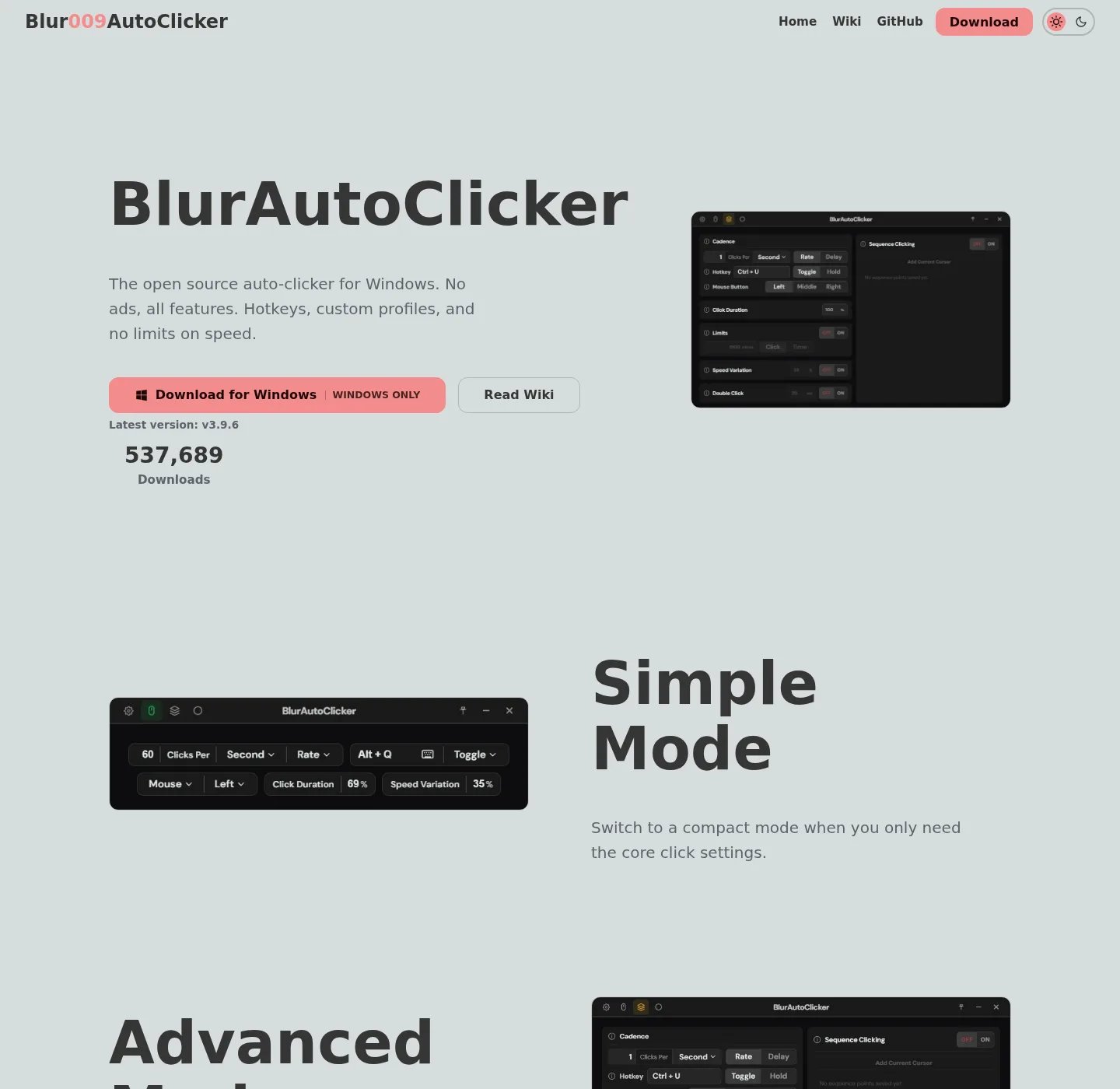
Start with the machine in front of you, not with a brand you typed into a search box. If the goal is to run a clicker on this Windows PC today, use an install path. If the goal is to decide between this project and GS, TinyTask, AutoHotkey, or MurGee, use a compare guide. If the goal is to stop running extra unsigned copies from Desktop, use the migrate notes. If the goal is one job such as a hotkey or a fixed pixel, use a howto. Home keeps the command at the auto clicker home.
When a guide names a command, that command was checked against the official README and microsoft/winget-pkgs on 2026-09-02, not against a random blog. Release numbers are not typed here, and the current release is injected at build from GitHub. If a filename on GitHub Releases does not match the pattern in releases, wait and read the official list. If a search result wants a helper from Softonic or CNET, stop and use download safely instead.
How to pick a guide
Name the operating system and the next action in one sentence; Install on this Windows PC. See how this project differs from GS, and stop running a second exe from Downloads. Bind a hotkey, and if you can say that sentence, open the matching URL below. If you cannot, read the section intros, then pick the shortest match, and one official channel is enough. Mixing winget and a portable folder on the same hotkey is how a click goes to the wrong window.
A useful second test: is the job a CPS clicker, a recorded path, or a script. CPS clicker is this project, and recorded path is TinyTask, and script is AutoHotkey. MurGee is a paid Windows clicker after a trial; GS is freeware on SourceForge. The compare guides say that without inventing a rank.
Keep these URLs indexed
These paths already exist and stay indexed, and they cover the daily command, GitHub, Windows, keyboard keys, a safe fetch, and the GS comparison.
- Home, and definition, winget command, six Windows steps.
- Download safely; GitHub Releases or winget; Skip Softonic and CNET.
- GitHub; Repo Blur009/Blur-AutoClicker, GPL-3.0, BUILDING.md.
- Windows; WebView2, LocalAppData, SmartScreen, App Installer.
- Keyboard auto clicker, and key pressing with case control, hold or toggle.
- Versus GS Auto Clicker; SourceForge listing, no settings importer.
winget install -e --id Blur009.BlurAutoClicker --source winget --silentInstall, compare, migrate, and howto
Each title is its own URL; Install guides assume Windows, and compare guides link the vendor site they checked on 2026-09-02. Migrate means re-enter interval and hotkey; there is no file importer, and howto pages walk one job.
- Install an auto clicker on Windows
- Auto clicker winget
- Auto clicker portable or setup
- Auto clicker vs TinyTask
- Auto clicker vs AutoHotkey
- Auto clicker vs MurGee
- Switch from GS Auto Clicker
- Is an auto clicker safe
- Auto clicker hotkeys
- Auto clicker interval
- Auto clicker position click
- Build an auto clicker from source
Cluster notes next to the guides
Supporting cluster URLs sit beside that list, and releases answers which file, and this computer is the requirements map. Extra executables is the migrate page for Desktop copies, and legal pages are separate.
| If you have | Open | Official path |
|---|---|---|
| A Windows 10 or 11 PC | Windows install or winget | README command, or x64 setup from GitHub |
| A choice between zip and exe | portable or setup | portable.txt for portable data |
| GS already installed | versus GS or switch | SourceForge listing for GS; winget for this project |
| Extra exes on Desktop | extra executables | Re-enter settings. Delete the extra file. |
| Need the current asset name | releases | Ignore .sig and latest.json |
| This computer, mixed questions | this computer | WebView2, SmartScreen, LocalAppData, AppData |
Publisher notes: about, and editorial practice: editorial policy; Contact, privacy, and advertising disclosure complete the legal set.
Commands those guides share
Windows install is one line; GitHub Releases is the file host for the same product. There is no brew, snap, flatpak, or Docker command in the official README, and these notes do not add unofficial install slugs for Mac or Linux. An unofficial macOS port is GitHub issue 285, not a URL on this hub.
After install, first hour is a slow click on a throwaway window, then a hotkey you will remember. Keyboard work is the keyboard URL in the keep list, and interval and position click have their own howtos. Building from source follows BUILDING.md for x86_64-pc-windows-msvc.
Frequently asked questions
Where do auto clicker guides start?
Start at this hub, or at home if you only need the winget command. Keep-indexed URLs cover fetch, GitHub, Windows, keyboard, and GS, and the twelve guides below that list cover install, compare, migrate, and howto jobs.
Is there a Mac or Linux auto clicker guide?
No official package in the README, and these notes do not mint those install URLs. Issue 285 is an unofficial port, not endorsed; Windows is the mapped path.
Which guide is the winget command?
Auto clicker winget plus Windows install, and the command is winget install -e --id Blur009.BlurAutoClicker --source winget --silent.
How do I compare this auto clicker with GS?
Open versus GS for the table, then switch from GS if you are moving. SourceForge is the GS listing these notes use.