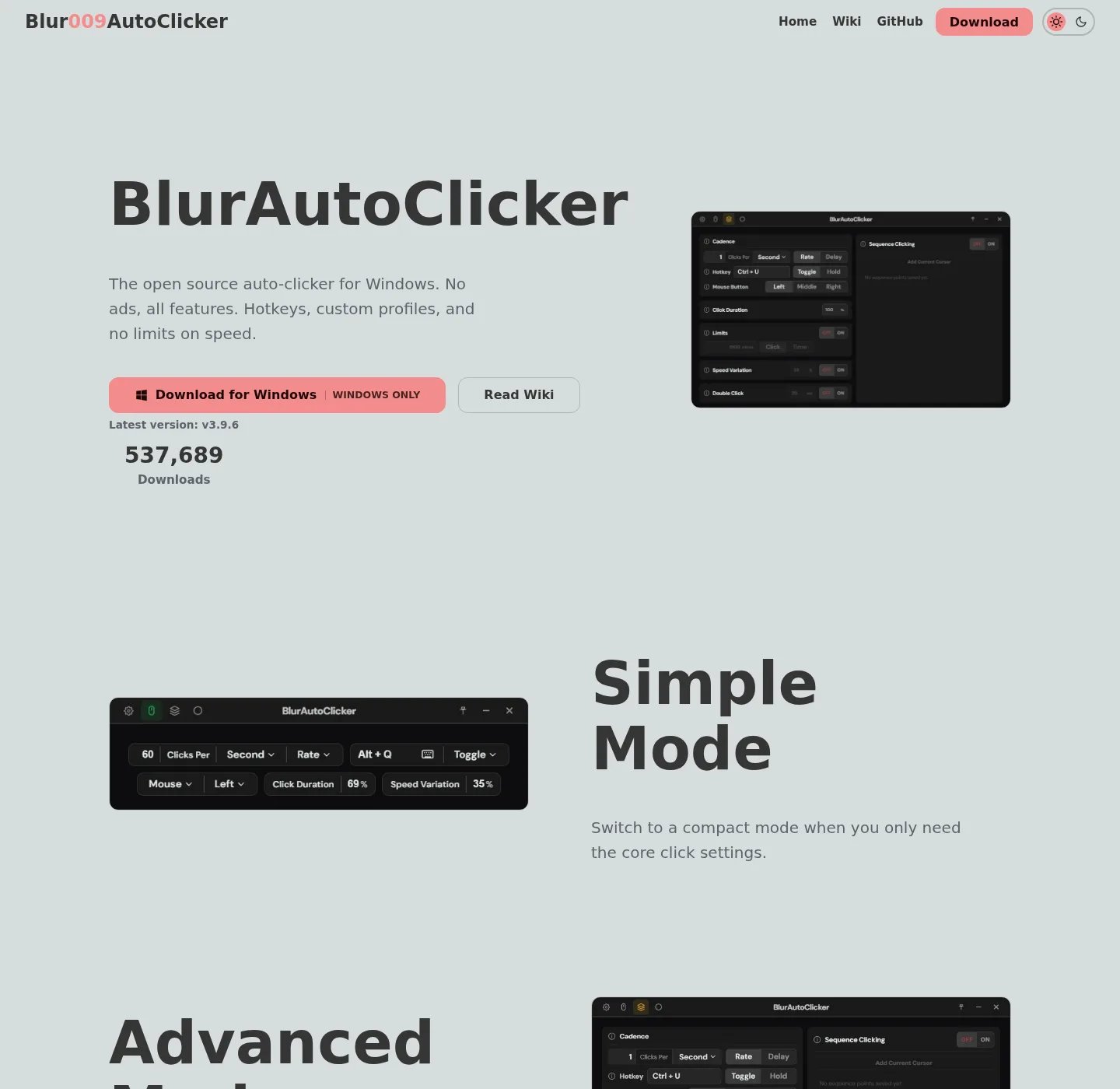
Auto Clicker notes describe how to install Blur Auto Clicker on Windows. The publisher is the Auto Clicker editorial team, an Organization. A mailbox, when a form is present, is for errors in those notes and for questions about those notes. It is not a Blur Auto Clicker helpdesk, and it is not a mailbox for a named individual. Who publishes: about.
Fallback when email is empty
There is no public email address. Report a factual error by writing down four facts: the URL that is wrong, the sentence as it stands today, the official source that disagrees, and the sentence that source supports. Put those four facts in the report form when a form is present. If no form is present, keep the four facts until a form ships. Skip attachments. A dump of %AppData%\BlurAutoClicker is not required to fix a sentence about winget.
How to report an error
If a command, filename, install path, or claim disagrees with the README, winget-pkgs, or GitHub Releases, send a correction with four facts:
- The URL of the Auto Clicker note that is wrong.
- The sentence as it stands today.
- The official source that disagrees: the README, a GitHub release asset list, microsoft/winget-pkgs yaml for
Blur009.BlurAutoClicker, windows-release-trust.md, or a vendor page such as murgee.com/auto-clicker. - The sentence that source supports.
Usual drift: the winget id Blur009.BlurAutoClicker, the full README command, the setup pattern BlurAutoClicker_*_x64-setup.exe, the portable pattern BlurAutoClicker-v*-portable.zip, the install folder %LocalAppData%\BlurAutoClicker, the exe name BlurAutoClicker.exe, config under %AppData%\BlurAutoClicker, updater files *.sig and latest.json, WebView2 as the window runtime, or the unsigned installer and SmartScreen. How sources are chosen: editorial policy.
Paste the README command only as a check against the note, not as a new package:
winget install -e --id Blur009.BlurAutoClicker --source winget --silentProduct bugs
Crashes, hotkey misses, CPS caps, position clicking, and other program faults belong on github.com/Blur009/Blur-AutoClicker/issues. That tracker is the project's. The editorial team can fix a wrong filename in a note. It cannot patch the auto clicker. Include the current release tag from GitHub, the Windows version, and whether you used winget or the setup exe. Feature requests such as delay between click points already have issue threads on that tracker; a feature is claimed only when the README lists it.
If SmartScreen appears, read the project's trust doc and Microsoft's SmartScreen explainer first. Unsigned is the documented state of the Nullsoft setup. A wrapper site that promises a "verified" exe on some other domain is still a wrapper. Fetch stays on GitHub Releases or winget. Walkthrough: download an auto clicker safely.
Questions about install notes
Questions the notes can answer: which file on the current release, winget versus the setup exe, where the program lands, where config lives, hold versus toggle, keyboard key instead of a mouse button, and how to leave extra unsigned copies behind. Start with home, auto clicker install, auto clicker releases, auto clicker GitHub, keyboard auto clicker, auto clicker for this computer, auto clicker vs GS Auto Clicker, and auto clicker guides.
Questions the notes cannot answer: how to cheat in a game, how to bypass another program's limits, or how to hide clicks from an anti-cheat. The auto clicker sends clicks to the foreground window. That is all the README supports. Keep game-policy questions on the game's own rules.
Advertising enquiries
Ads are off. There is no slot to buy, no native advertorial, and no fake download button. Media kits sent here have nowhere to go until the advertising disclosure names a network. Analytics are none, as privacy already states. A compare table is not a placement.