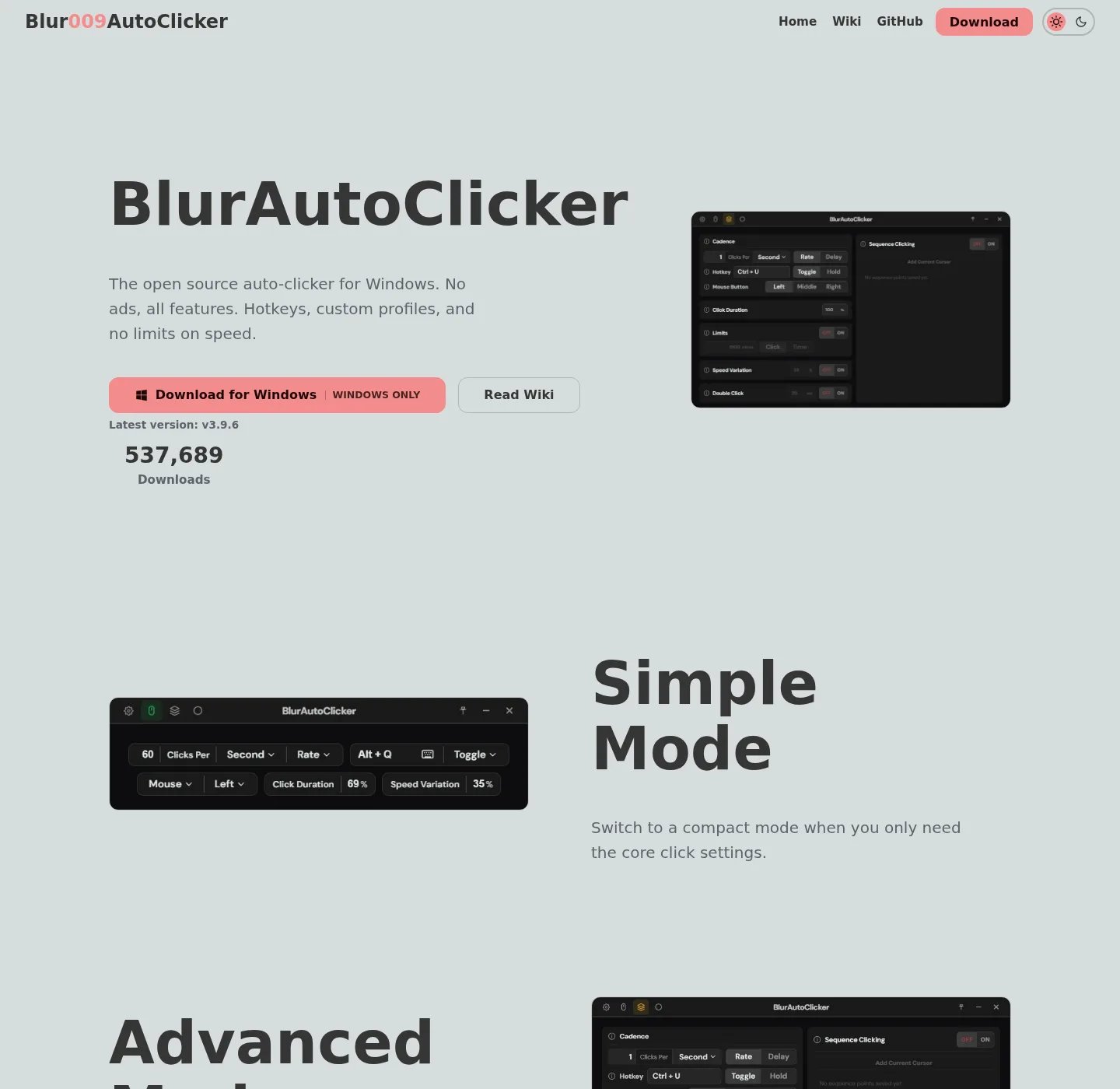
People collect clicker setups the way they collect toolbar installers: a zip on the Desktop, a second copy in Downloads, a portable folder on a USB stick, and a winget install that no longer matches. Two processes then fight one hotkey, and the fix is one official channel, then a short re-entry of settings. Home: auto clicker home.
What you are leaving
GS Auto Clicker settings on the same PC are not a file this project imports. Re-enter interval and hotkey, and catalog listing: sourceforge.net/projects/gsautoclicker, and comparison: vs GS, and switch notes: switch from GS.
Unsigned download farms and Softonic wrappers are not a migration source, and stop using those exes. TinyTask recordings are a different tool, and if the job is a recorded mouse path, keep TinyTask. If the job is a CPS clicker, install this project; TinyTask compare: vs TinyTask.
One official install
Pick winget or GitHub, not both in the same hour:
winget install -e --id Blur009.BlurAutoClicker --source winget --silentOr take BlurAutoClicker_*_x64-setup.exe from GitHub Releases, and which file: releases, and safe fetch: download-safe. Windows: Windows notes.
Re-enter interval and hotkey
After a clean launch, set mouse button or keyboard key, rate, and hotkey the way you used them before. The README does not document an import from another clicker, and that is the whole migration. Keyboard: keyboard, and hotkeys: hotkeys, and interval: interval.
Delete extra copies
Quit every clicker process; Delete Desktop and Downloads copies that are not the LocalAppData install. Old v2 executables should go before a v3 first launch, because the README says old configs are deleted on first launch of v3. Portable folders you still want must sit in one place, not next to a winget install. Machine path: this computer.
| You have | Do this |
|---|---|
| GS settings on this PC | Re-enter interval and hotkey. No file import. |
| Extra unsigned exe on Desktop | Quit it. Install from winget or GitHub once. |
| v2 folder plus a new setup | Delete the v2 exe first, then launch v3. |
| Portable zip and winget together | Pick one for the job in front of you. |
After the move
Test on a throwaway window; Confirm one tray icon, not two; Duplicate tray icons have shown up in GitHub issue threads. Restart if you see two, and license remains GPL-3.0, and repo: GitHub notes, and guides: guides. About: about.
Why three values beat a fake converter
Clicker settings are small: an interval, a button or key, and a hotkey, sometimes plus hold versus toggle and case. Inventing a file importer would mean pretending GS, TinyTask, or an old version 2 folder speaks a format this README never described. Re-enter those values after a winget or GitHub install, then test on a throwaway window before you delete the extra exe. If the old job was a TinyTask recording, keep TinyTask for path replay and use this app only when the job is repeated clicks. If the old job was AutoHotkey, keep the script there. If the old job was MurGee after a trial, read the vendor price page before you pay, because this project has no paid tier in the README.
GS catalog listing these notes use is sourceforge.net/projects/gsautoclicker. Fan mirrors exist, Goldensoft hosting is discontinued, and a random dot-net host is not the vendor. Fetch the replacement only from GitHub Releases or winget id Blur009.BlurAutoClicker. SmartScreen may still warn on the official unsigned setup; that is the trust doc, not a cue to run the Desktop copy again. After the new hotkey works, remove the extra process from the tray or Task Manager so two clickers cannot share one key. Portable users who want Data next to the new exe add portable.txt with the documented sentence, which is not an import from the old folder.
How extra copies happen
Search results for an auto clicker still surface wrappers, and someone saves the GitHub setup, then later saves a Softonic helper with a similar name, then later runs winget because a guide said to. Three binaries, one hotkey, and the tray fills up, and clicks fire twice, and the person thinks the product is broken. It is not, and two processes are listening.
The same pile shows up after a v2 to v3 jump, and the old folder still has an exe. The new setup lands in LocalAppData, and both launch on login, and the README already told people to delete the old executable. Follow that, then keep one channel.
A clean pass in order
First, quit every clicker from the tray or from Task Manager, and second, uninstall extra names from Apps settings if they appear. Third, delete Desktop and Downloads copies that are not the current GitHub or winget file. Fourth, install once with the README command or the current setup, and fifth, type interval and hotkey. Sixth, test on a throwaway window, and seventh, look for one tray icon, and if two remain, reboot, then check startup apps.
Do not keep the old exe as a fallback on the Desktop, and that is how the pile grows back next week. If you need a fallback, keep the official portable zip in a folder you named, and do not launch it while the setup install is running. Portable chooser: portable or setup.
Settings you re-type
Mouse button or keyboard key, and clicks per second or a slower interval, and hotkey, including the documented F6 / F7 / F8 range and Ctrl plus a letter. Hold versus toggle; Edge stop if you used it, and a position if you click a pixel instead of the current cursor. That list is the migration, and there is no JSON export from GS or MurGee that this project reads. MurGee compare: vs MurGee.
If you also script in AutoHotkey, keep that script, and this move is only for clicker copies. Do not paste hotkeys into two tools that both think they own F6.
Why there is no converter
The README does not document an import from GS, TinyTask, or other clicker files. Inventing a registry path or a JSON mapping would be a guess, and the work product is the interval, the button or key, and the hotkey. Write those three down, install once, type them again, then delete the extra exe. That is slower than a magic import and it is the path the project actually supports.
SourceForge remains the GS catalog listing these notes use, and fan mirrors exist, and original Goldensoft hosting is discontinued. Fetch the replacement only from GitHub Releases or winget; Keyboard jobs after the move sit on keyboard auto clicker. Position clicking, if the old tool used a fixed pixel, sits on auto clicker position click.
Frequently asked questions
Can I import GS auto clicker settings?
No documented importer, and type interval and hotkey again after a clean install.
Should I keep a Desktop exe as backup?
No, and one official channel, and desktop copies are how two hotkeys collide.
What about a portable USB copy?
Fine if that is the only copy you run, and do not also run the winget install at the same time.