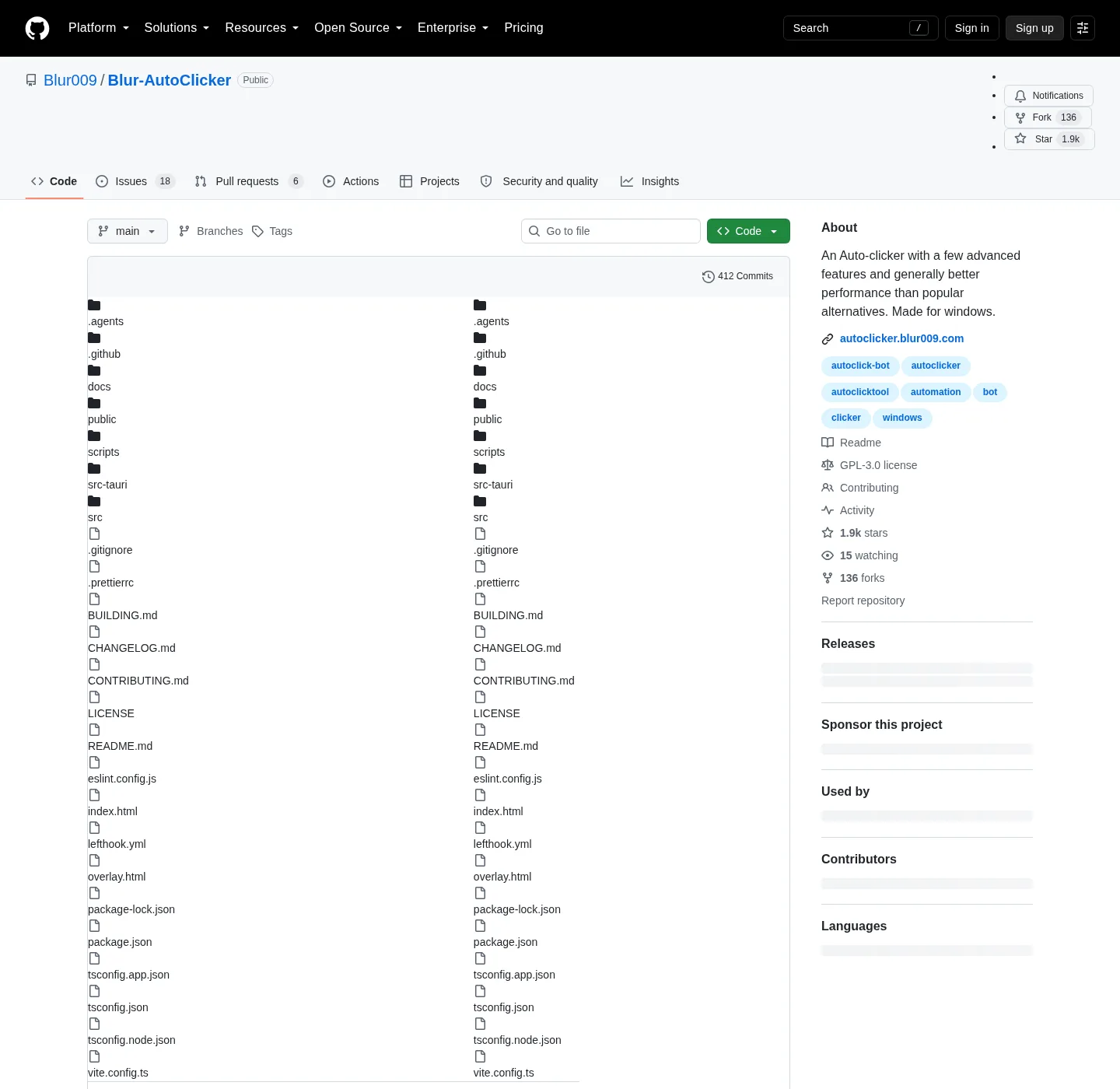
Blur Auto Clicker is published by Blur009, and the about text on the repo says the project is made for Windows. Homepage field: autoclicker.blur009.com, and source tree: github.com/Blur009/Blur-AutoClicker, and release assets: GitHub Releases, and safe fetch rules sit on auto clicker download safe. Which filename to take sits on auto clicker releases.
What the repo holds
A public GitHub project for this auto clicker is useful because the same account holds source, LICENSE, README, BUILDING.md, and the Windows assets. You can read the feature list in the README, then match the package id in winget without guessing a lookalike name. GitHub license API reports GPL-3.0, and the LICENSE file is the FSF GPL v3 text. Winget locale yaml points at that LICENSE.
| Item | Where it lives |
|---|---|
| Source | github.com/Blur009/Blur-AutoClicker |
| LICENSE | GPL-3.0 in the repo LICENSE file |
| README install command | winget install -e --id Blur009.BlurAutoClicker --source winget --silent |
| Windows setup pattern | BlurAutoClicker_*_x64-setup.exe |
| Portable pattern | BlurAutoClicker-v*-portable.zip |
| Ignore on Releases | *.sig, latest.json |
| Build notes | BUILDING.md in the repo |
| Trust notes | docs/windows-release-trust.md |
Building from source is a separate job from installing the current release, and point at BUILDING.md and the notes on build from source. Do not invent extra toolchain steps beyond that file.
README command and winget-pkgs
The README quotes one Windows Package Manager line, and that is the command these notes paste. microsoft/winget-pkgs stores the manifest under manifests/b/Blur009/BlurAutoClicker, and packageIdentifier is Blur009.BlurAutoClicker, and installer type is Nullsoft. Scope is user; Default install location is %LocalAppData%\BlurAutoClicker, and packageUrl in the locale yaml points at the GitHub repo.
winget install -e --id Blur009.BlurAutoClicker --source winget --silentwinstall.app lists a shorter winget line for the same id, and prefer the README command with -e --id, --source winget, and --silent. Chris Titus Tech winutil maps blurautoclicker to that id, and community lists are pointers, not a second binary host. Longer winget notes: winget auto clicker.
Releases versus the source tree
The source tree is for reading code, issues, and docs, and releases is for the files a Windows PC actually runs. Setup is the x64 NSIS exe; Portable is the zip, and updater sidecars sit next to those files and are easy to grab by accident. Ignore *.sig and latest.json, and the current tag is injected on the stamp, not typed into these notes as a pinned number.
Windows install layout after setup is documented in the README: exe at %localappdata%/BlurAutoClicker/BlurAutoClicker.exe, config and stats in %appdata%/BlurAutoClicker. Those paths are expanded on setup for this computer and auto clicker install.
Issues that are product requests
The issues list is a product tracker, not a second download farm, and feature requests such as delay between click points, mouse-wheel scrolling, two hotkeys for two buttons, or a lightweight build are requests until the README lists them. An unofficial AI-made macOS port has an issue thread, and the author says that port is not endorsed.
Homepage FAQ on the vendor site is explicit: no macOS, Linux, or phones, and download buttons there are Windows only. If a search result offers brew, snap, flatpak, apt, or Docker for this name, it is not the install these notes map.
What GPL-3.0 changes about fetch
GPL-3.0 means you can run, study, share, and modify under the license terms, and it does not mean a random mirror is a safe host. Fetch still has to come from this repo or from winget wrapping the same GitHub setup. There is no paid tier in the README, and there is no login, and the README does not claim a telemetry product. Statistics stay in local files.
Keyboard key pressing with case control is a README simple-mode feature, documented for the keys job on keyboard auto clicker. Comparison with GS freeware is on auto clicker vs GS Auto Clicker; Guides hub: guides. Home: auto clicker.
Frequently asked questions
How do I find the official auto clicker GitHub?
Open Blur009/Blur-AutoClicker; Confirm LICENSE is GPL-3.0, README quotes the winget id Blur009.BlurAutoClicker, and Releases lists the x64 setup plus portable zip. That is the official GitHub for this auto clicker.
Is the GitHub auto clicker the same as winget?
Yes, and the winget installer URL in microsoft/winget-pkgs points at GitHub Releases for the x64 setup. The package id must be Blur009.BlurAutoClicker, and if winget offers a similar name with a different id, stop.