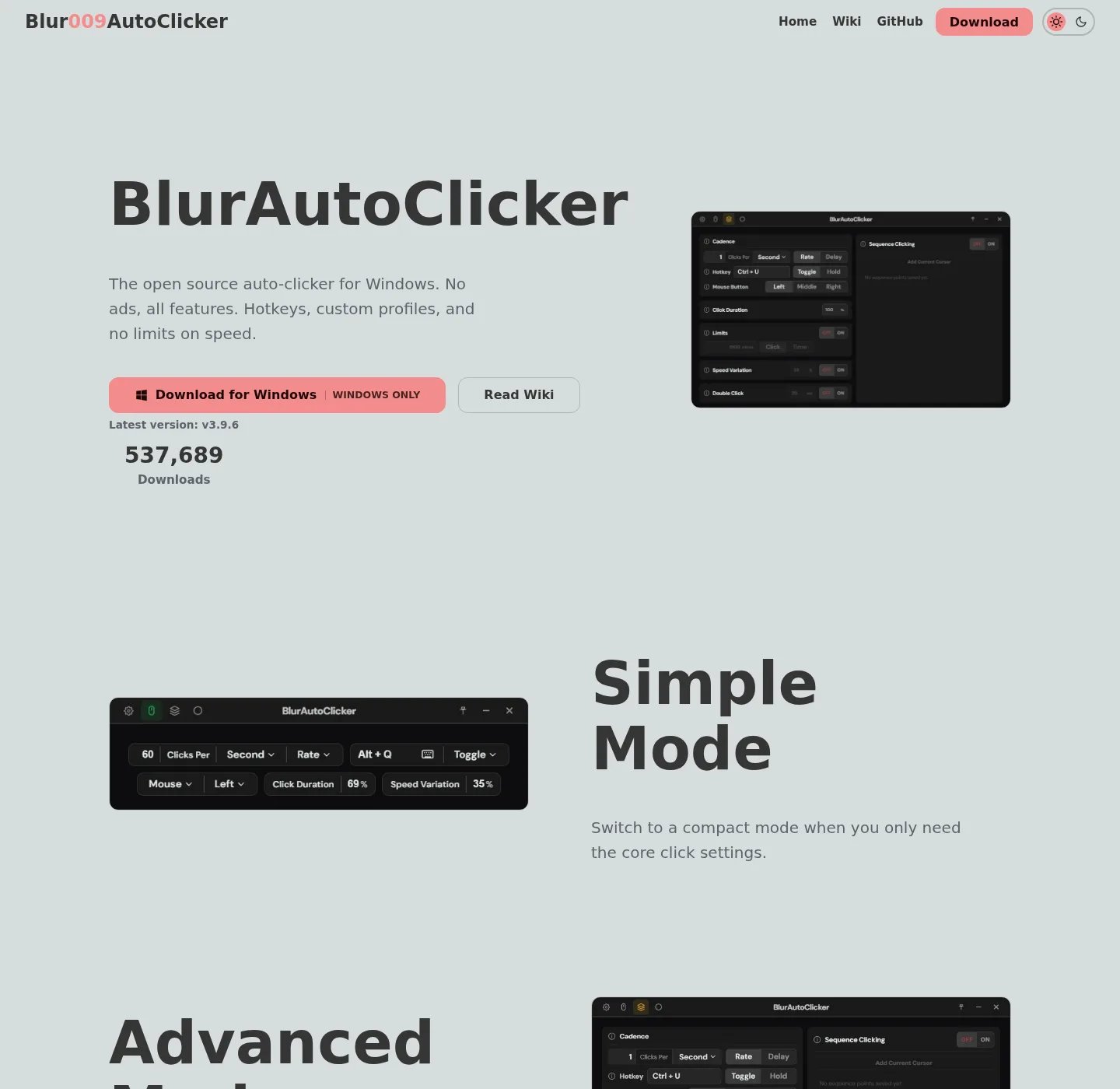
Free GPL clicker versus a paid trial
MurGee vs this auto clicker is a price and license split on top of a similar job: interval clicking on Windows. MurGee Auto Clicker is a commercial utility with a trial. Blur Auto Clicker is GPL-3.0 with no paid tier in the README. Both talk about left, right, or middle button, a shortcut, interval, and a fixed screen location. The install and money models differ.
Clicker install:
winget install -e --id Blur009.BlurAutoClicker --source winget --silentRelated: auto clicker vs TinyTask, auto clicker vs AutoHotkey, vs GS Auto Clicker, guides, auto clicker.
MurGee trial and unlock
The MurGee page, fetched 2026-09-02, says you can try the software for free, and after 20 uses, once the trial expires, you can pay USD 6.54 and unlock the trial on 1 Windows computer for usage up to 6 months from the date of payment. Check murgee.com/auto-clicker before you quote that fee; vendor pages change.
That page also says the install needs admin access, lists Windows 11 and Windows 10, and describes interval in milliseconds, seconds, and minutes, a click count, a global shortcut, current cursor or a pre-defined location, plus extra modes such as macro recorder, key presser, color clicker, and fixed point clicker. Those extra modes are MurGee’s product. Read the vendor for how they work. This guide does not clone that manual.
Blur Auto Clicker cost and license
Blur Auto Clicker is free. License GPL-3.0. GitHub: Blur009/Blur-AutoClicker. Homepage: autoclicker.blur009.com. No account. Config in %AppData%\BlurAutoClicker. Winget scope is user, default folder %LocalAppData%\BlurAutoClicker.
README features cover the CPS clicker job: buttons, keyboard key, hold or toggle, customizable hotkeys, duty cycle, random CPS, edge stopping, limits, double clicks, position clicking, per second through per day. Cap about 500 CPS. Build from source is documented in BUILDING.md if you want your own bits.
Feature table
| Feature | Blur Auto Clicker | MurGee Auto Clicker |
|---|---|---|
| Price | Free, no paid tier in the README | Trial 20 uses, then about USD 6.54 / 6 months / one PC (check vendor) |
| License | GPL-3.0 | Proprietary vendor product |
| Source | GitHub repo | Vendor download on murgee.com |
| Account | None | Activation after trial per vendor page |
| Install elevation | Winget user scope into LocalAppData | Vendor page says admin access |
| Interval | Per second, minute, hour, or day | Milliseconds, seconds, minutes on the vendor page |
| Position | Position clicking in advanced mode | Pre-defined screen location on the vendor page |
| Extra modes | README advanced clicker features | Vendor lists recorder, key presser, color clicker, more |
| Open source | Yes | No |
| Windows | Made for Windows | Windows 11, 10, and others per vendor |
| Import from the other | None documented | None documented |
| Official files | Winget and GitHub Releases | murgee.com/auto-clicker |
Always attach “check the vendor’s pricing page” to MurGee numbers. Do not invent a rank.
When MurGee still fits
Keep MurGee if you already paid an unlock, or if you specifically want modes the MurGee page lists that Blur does not claim, such as a color clicker. Those features are MurGee’s. This comparison does not invent them on the Blur side. Read the vendor page for trial rules and activation.
If you only needed interval clicks and a shortcut, compare cost: GPL-3.0 and winget versus a six-month unlock fee. That is a preference, not a score.
When to use the GPL clicker
Use Blur Auto Clicker when you want a free Windows CPS clicker you can also build from source, with GitHub Releases as the file host. Re-enter interval, button, and hotkey. There is no MurGee settings import. Stop using leftover trial copies on Desktop if you switch: move leftover clicker exes. GS freeware path: switch from GS Auto Clicker.
People search other freeware names, including leftover wrapper names, for a no-fee GUI clicker. MurGee is the paid-trial row in this table. Blur is the GPL row.
Install this auto clicker
App Installer on Windows 10 1809+ or Windows 11, then the CopyRow command. Or the current x64 setup exe on GitHub Releases. Ignore .sig and latest.json. Portable: portable or setup. Winget: winget auto clicker. Windows: install on Windows. This computer: auto clicker for this computer. Releases: auto clicker releases. GitHub: open source auto clicker on GitHub. Windows cluster: open source auto clicker on Windows. Safe: download safely. Hotkeys: auto clicker hotkeys. About: about.
Unsigned setup can trigger SmartScreen. That is not a virus verdict: Microsoft SmartScreen and windows-release-trust.md.
SmartScreen, config, and leftover trial copies
The Blur setup is not Authenticode-signed. SmartScreen may warn. That warning is not a virus verdict: Microsoft SmartScreen and windows-release-trust.md. MurGee install elevation and trial rules stay on the vendor page.
Blur config is %AppData%\BlurAutoClicker. No account. RAM around 100mb and under 200mb per the README. Set a stop hotkey before interval tests. README CPS cap is about 500. Check the MurGee vendor page before quoting the trial fee. Hotkeys: auto clicker hotkeys. Interval: auto clicker interval. Keyboard: keyboard auto clicker. Build: build from source. Product: autoclicker.blur009.com.
After you pick the GPL clicker
Re-enter interval, button, and hotkey. There is no MurGee settings import. Config: %AppData%\BlurAutoClicker. Exe after winget: %LocalAppData%\BlurAutoClicker\BlurAutoClicker.exe. Portable zip: portable or setup. Interval: auto clicker interval. Position: position clicking. GS freeware: vs GS Auto Clicker. Recorders: vs TinyTask. Scripts: vs AutoHotkey.
Frequently asked questions
Is MurGee Auto Clicker free?
MurGee offers a free trial for 20 uses. After that, the vendor page lists about USD 6.54 to unlock one Windows PC for up to six months from payment. Check murgee.com/auto-clicker before you quote the fee.
Is this auto clicker free compared with MurGee?
Blur Auto Clicker is free under GPL-3.0. The README lists no paid tier and no account. Install with winget id Blur009.BlurAutoClicker or GitHub Releases. License: GPL-3.0.
Does MurGee need admin to install?
The MurGee vendor page says installation needs admin access. Blur Auto Clicker winget metadata is user scope into LocalAppData. Two different install shapes. Read each vendor for elevation details on your PC.
Can I import MurGee settings into this auto clicker?
No. The Blur README does not document an import from MurGee. Re-enter interval, button, and hotkey. Delete leftover trial copies from Desktop if you stop using them. Related: move leftover exes.
How do I install the GPL auto clicker?
Run winget install -e --id Blur009.BlurAutoClicker --source winget --silent on Windows 10 or 11 with App Installer. MurGee stays on murgee.com. Related: install on Windows.